Microsoft 365 ransomware recovery: why native retention falls short and how to secure data
Microsoft’s built‑in retention tools can’t guarantee recovery after ransomware. Independent, immutable backups stored outside the Microsoft tenant, such as Acronis cloud‑to‑cloud backup, provide the cyber‑resilience organisations need.

Many businesses treat Microsoft 365, Azure and Entra ID as a complete safety net. In reality, Microsoft’s built‑in retention tools are designed for accidental deletion, not for the deliberate encryption that ransomware brings. When an attacker encrypts files, the same restore points Microsoft keeps can be corrupted, leaving the subscriber without a clean copy to roll back to.
Why Microsoft’s native retention isn’t enough for ransomware recovery
Microsoft’s native features keep a limited history of changes but do not create an immutable copy that survives a breach. The service‑level agreement guarantees that the service stays online, not that it can restore data to a known‑good point after a cyber‑attack. The responsibility for that restoration rests with the customer.
Entra ID as a common entry point
Entra ID, Microsoft’s identity and access management service, is now a frequent gateway for ransomware. Stolen credentials let attackers move laterally across mail, OneDrive, SharePoint and Teams. AI‑powered bots automate credential‑stuffing attacks, testing millions of leaked username‑password pairs across cloud services.
Independent, immutable backup is essential
An immutable backup is a copy that cannot be altered once written. Storing such a copy outside the primary Microsoft tenant guarantees a clean version even if the whole Microsoft environment is compromised. This meets emerging compliance expectations that demand demonstrable recovery capability beyond the provider’s tools.

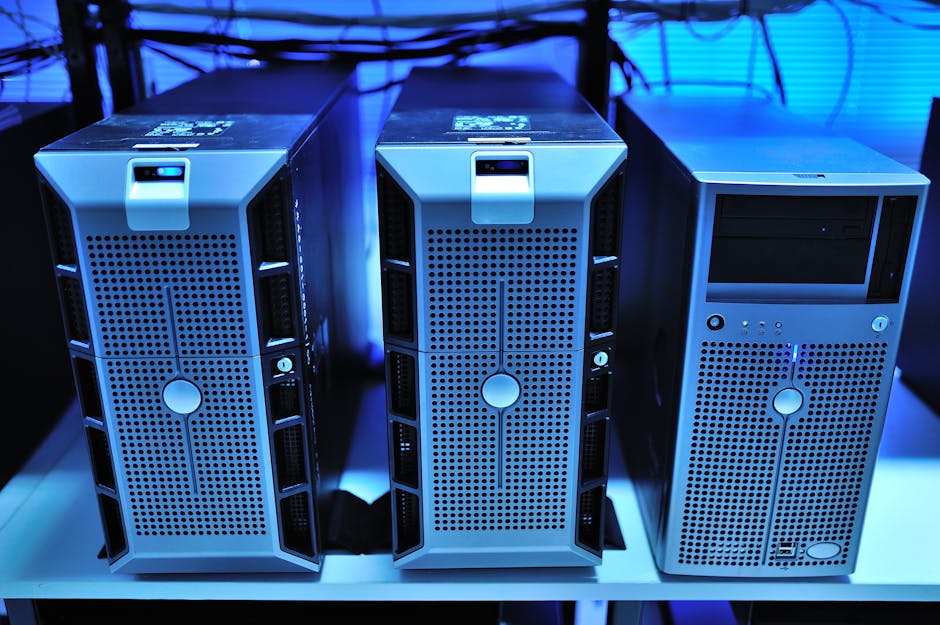
Photo by MART PRODUCTION on Pexels
What to look for in a cloud‑to‑cloud backup provider
A reliable third‑party solution should:
- Keep protected copies in a separate cloud, ensuring physical and logical separation from Microsoft’s infrastructure.
- Offer write‑once, read‑many (WORM) storage so backups cannot be overwritten or encrypted.
- Enable rapid restore of both data and identities, allowing a tenant to be rebuilt within hours.
- Support granular recovery of individual mailboxes, files or whole sites.
- Provide clear audit trails for regulatory reporting.
Acronis cloud‑to‑cloud backup meets these criteria
Acronis stores tenant data in its own cloud, distinct from Microsoft’s environment, and provides point‑in‑time restores that can be triggered immediately after a compromise.
Practical steps for organisations
- Audit current retention settings, check how long Microsoft retains data for each service.
- Identify critical workloads, prioritize email, file storage and collaboration sites.
- Choose a backup vendor with immutable storage, ensure the solution writes to WORM storage.
- Test restore procedures regularly, run quarterly drills simulating ransomware.
- Document responsibilities, make clear that the IT team, not Microsoft, initiates restores.
By following these actions, organisations can close the gap between Microsoft’s native retention and the cyber‑resilience required today.
Terms used in this article
- SaaS, software delivered over the internet and accessed via a web browser.
- Ransomware, malware that encrypts data and demands payment for a decryption key.
- Credential stuffing, automated attempts to log in using stolen username‑password pairs.
- Immutable backup, a backup that cannot be altered or deleted once written.
- Tenant, a dedicated instance of a cloud service for a specific organisation.
- Entra ID, Microsoft’s identity and access management service, formerly Azure Active Directory.
- WORM, write‑once, read‑many storage that prevents data from being overwritten.
For organisations that would rather have a backup gap like this monitored and closed as a matter of course, that is the kind of ongoing coverage managed IT services are meant to provide.